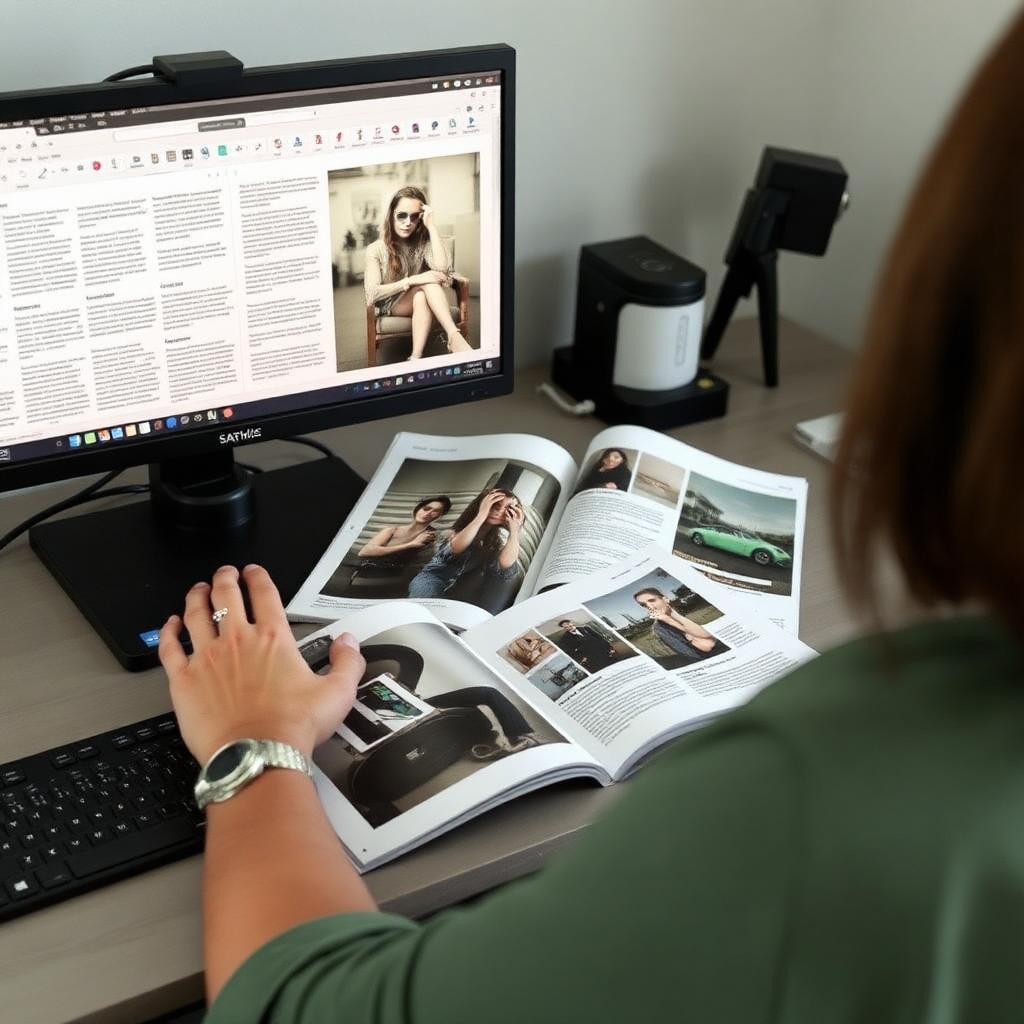
Course
InDesign for Beginners
Learn Adobe InDesign from a blank document to a print-ready book, magazine or report.
This course takes you from opening InDesign for the first time to exporting a press-ready PDF. You will build master pages, set up baseline grids, flow long text, place images correctly and package files for a printer.
Every lesson is taught with a real project brief, so you finish with a portfolio-ready magazine spread and a formatted book interior rather than a folder of disconnected exercises.
What you will be able to do
- Set up documents, master pages and grids correctly
- Typeset long-form text with paragraph and character styles
- Prepare bleeds, colour profiles and print-ready PDFs
Course modules
First 2 modules free to read
In this module we work through getting around the indesign workspace step by step, using the same files and briefs our studio uses on live client work.
You will follow a guided walkthrough, then complete a short practical exercise. Each exercise is reviewed against a checklist so you can see exactly where your work is strong and where it needs another pass.
By the end of the module you should be able to apply getting around the indesign workspace confidently without following along, and explain the decisions you made to a client or a colleague.
Enrol to unlock this module and the rest of the programme.
Enrol to unlock this module and the rest of the programme.
Enrol to unlock this module and the rest of the programme.
Enrol to unlock this module and the rest of the programme.